
You may noticed that, whenever you put an external link to your articles in Ghost, your domain is added to those links with "ref" query parameter. For example; if you put a link to https://ghost.org actual link will be converted to https://ghost.org/?ref=yoursite.com.
This is a feature of Ghost named "Outbound link tagging". This ref parameter helps the sites you are linking to count incoming traffic from your site. Most of the time, people find this handy, so this feature is enabled by default. But if you don't like this, you can disable it.
To disable outbound link tagging, go to Settings -> Analytics in your Ghost Admin and disable "Outbound link tagging" toggle.
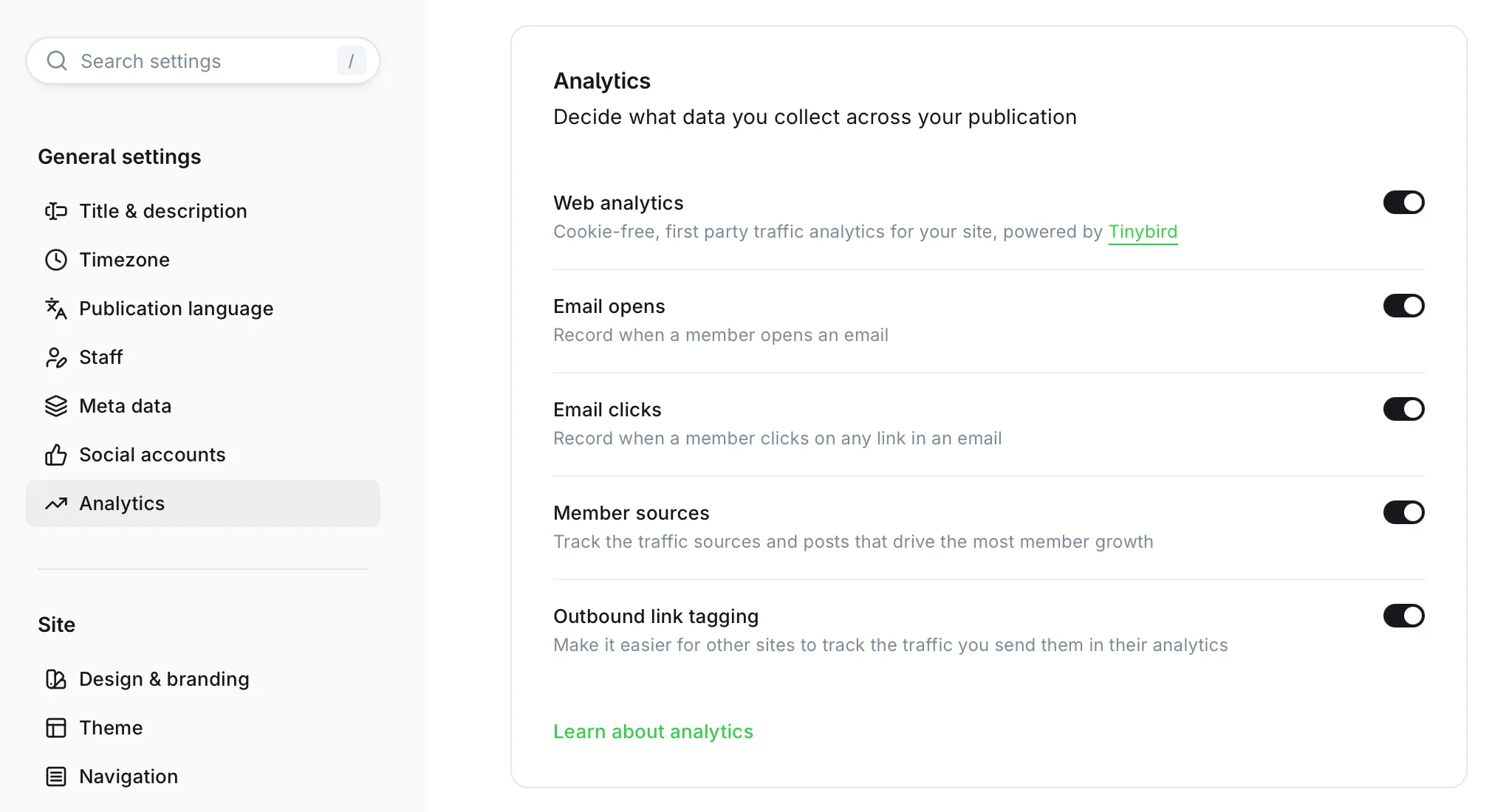
After disabling this, all your external links will stay as you added. You can change this setting whenever you want.