
Theme Editor built into Ghost Admin: Now live for all Synaps Media sites!
Edit your Ghost theme files right inside your Ghost Admin. No more roundtrips!

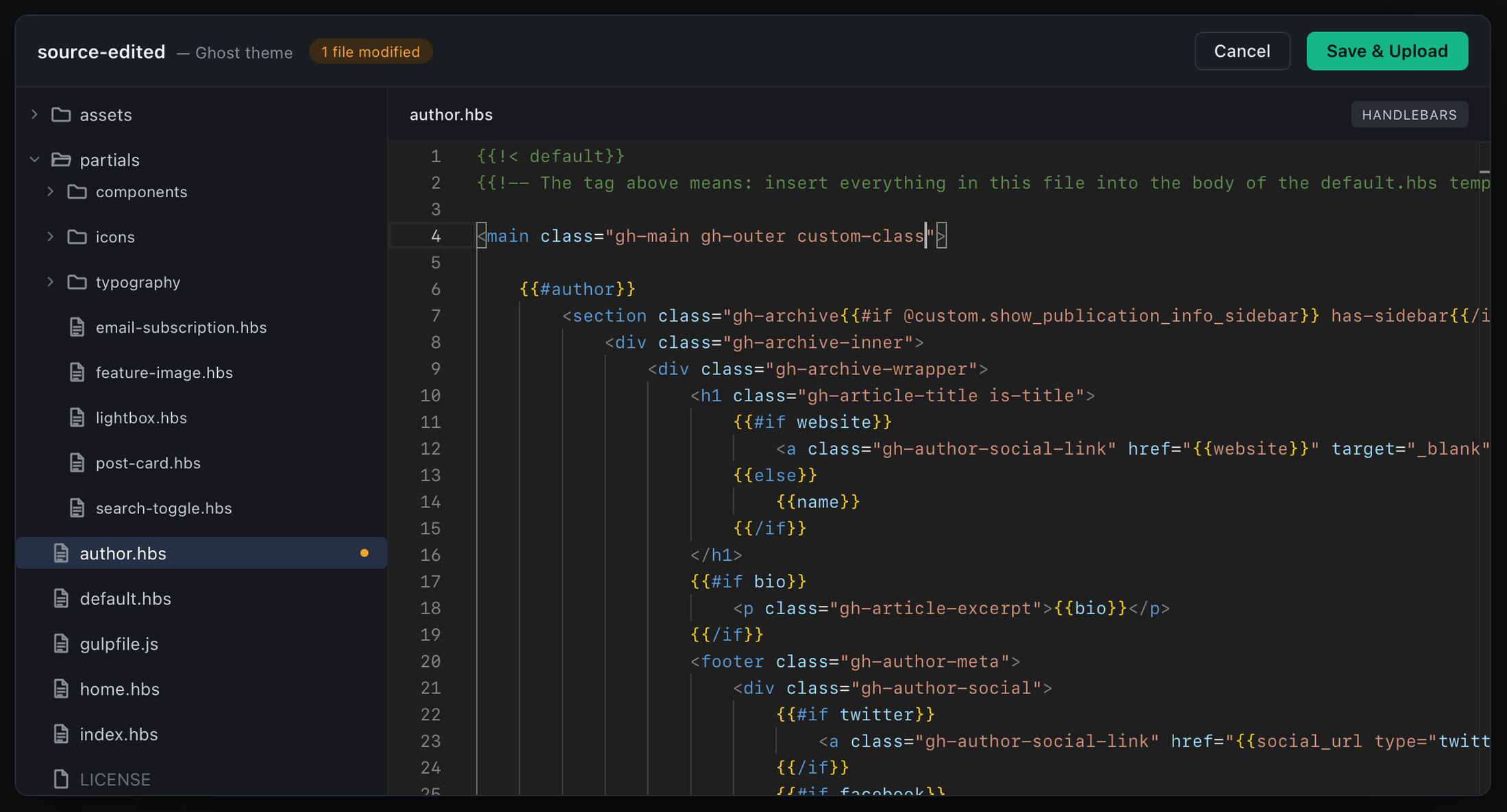
Editing a Ghost theme has always been more complicated than it should be. Even a small change meant going through the full cycle: download the theme, unzip it, edit files, zip it again, and upload it back. It works, but it breaks the flow.
Starting today, this is no longer necessary.
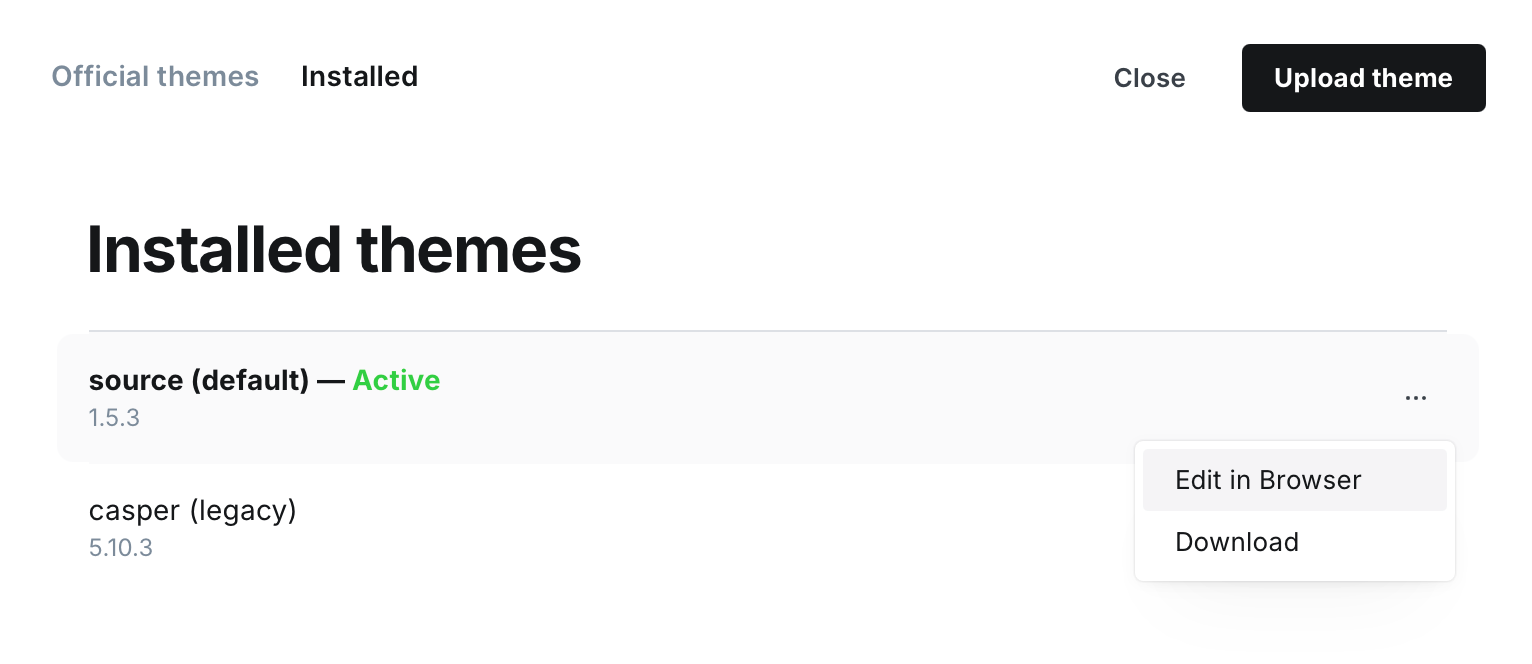
We’ve added a built-in Theme Editor to all Synaps Media publications, with no setup required. You can now edit your theme files directly from the Ghost Admin, instantly. By clicking "Edit in Browser" button in installed theme list on your Ghost Admin, you will see a file editor right inside your screen.
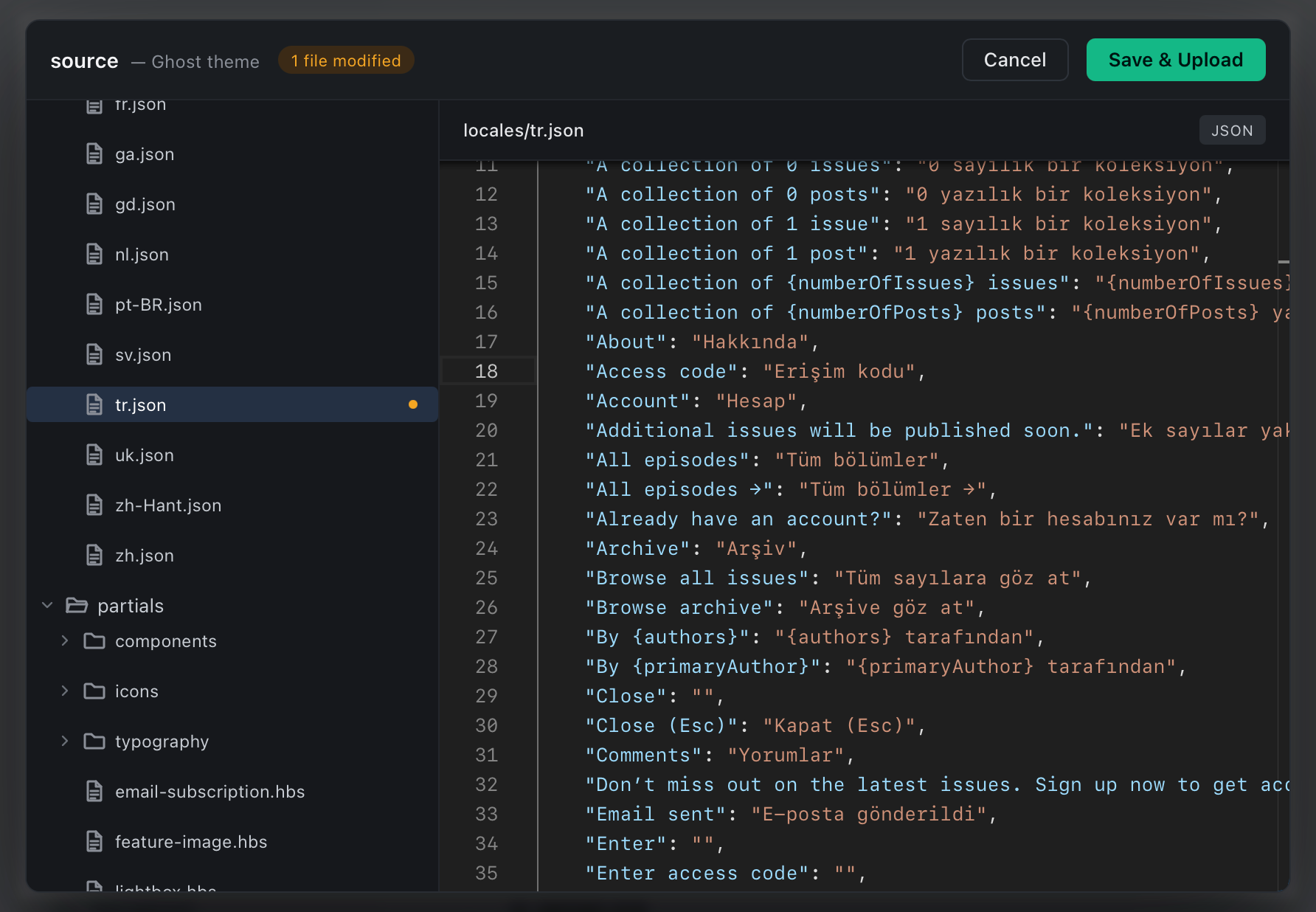
This is great for quickly editing translations, small updates on your templates, or adding a custom files to your theme like robots.txt.
You can add/delete/rename files and folders. Edit language files or templates, within a full-featured code editor.
No downloads. No uploads. No extra steps.
If you’re working on customizing your theme, give it a try.